What you can do
Add a signup list to the course timeline
Add an event block to your course timeline and enable the signup option. This places the signup list right where participants are already working - no separate links or emails needed.
Add clear instructions, like what should be done with the results (uploaded to Docs, presented in the class, pasted in a post on the wall etc).
Use it for a single activity
Previously the signup feature was mainly used for time slots. Now you can use it for a single activity with a maximum number of signups, for example a workshop with 25 places.
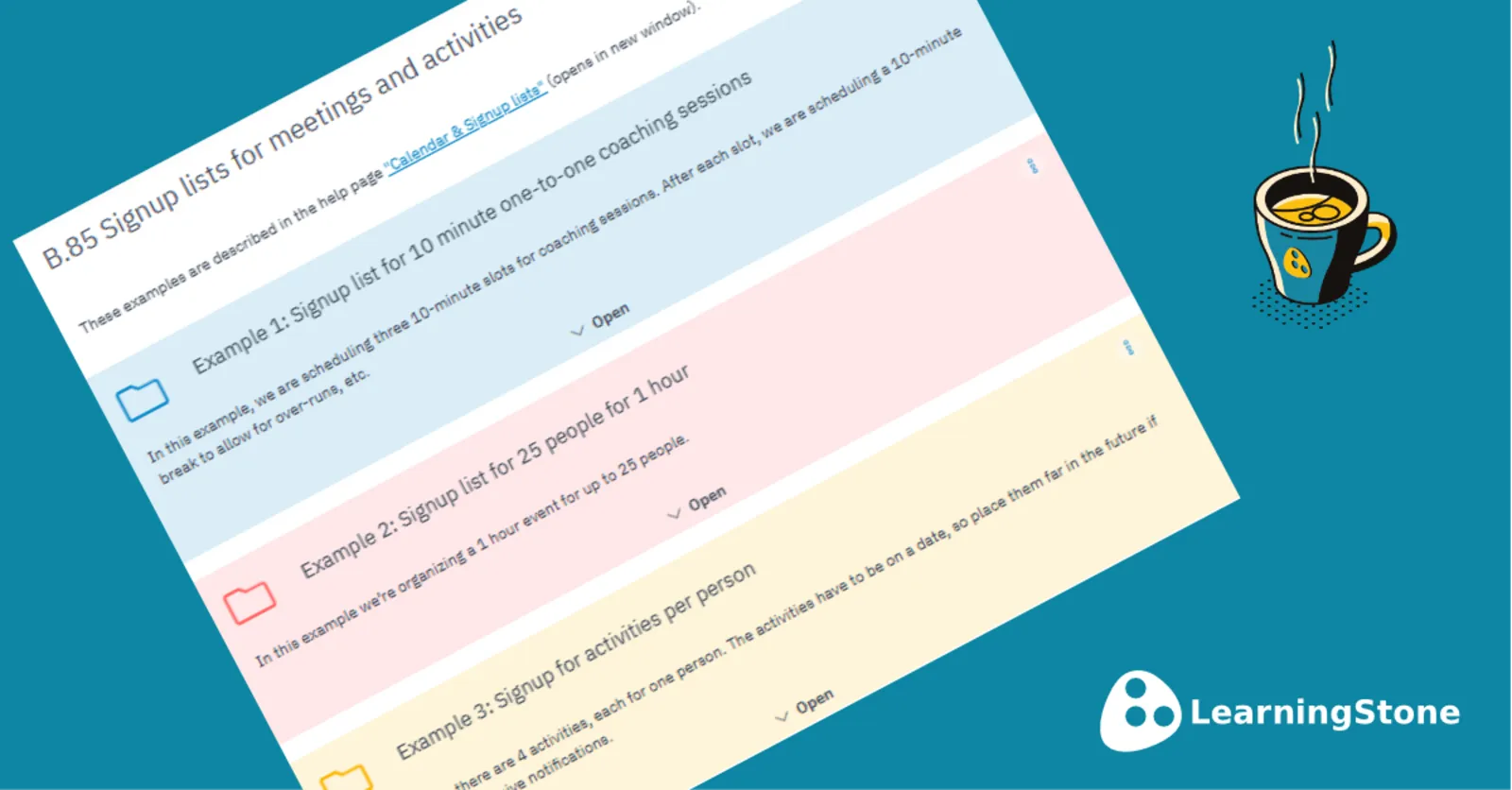
You can place multiple event blocks in a section, each representing a different activity. Participants sign up for the activity of their choice. A useful example with four activities is available in the Content store (example nr. B.85) and is described below.
See at a glance who has signed up
The redesigned view makes it much easier to see who has signed up. Open the event block and the list is immediately visible - no extra steps. The signup list also appears in the group calendar. You can click the event title to copy the link and share it by email or post it on the wall.
More help on the calendar and signup lists
Try the example in the Content store: Library > Content store > Example nr. B.85